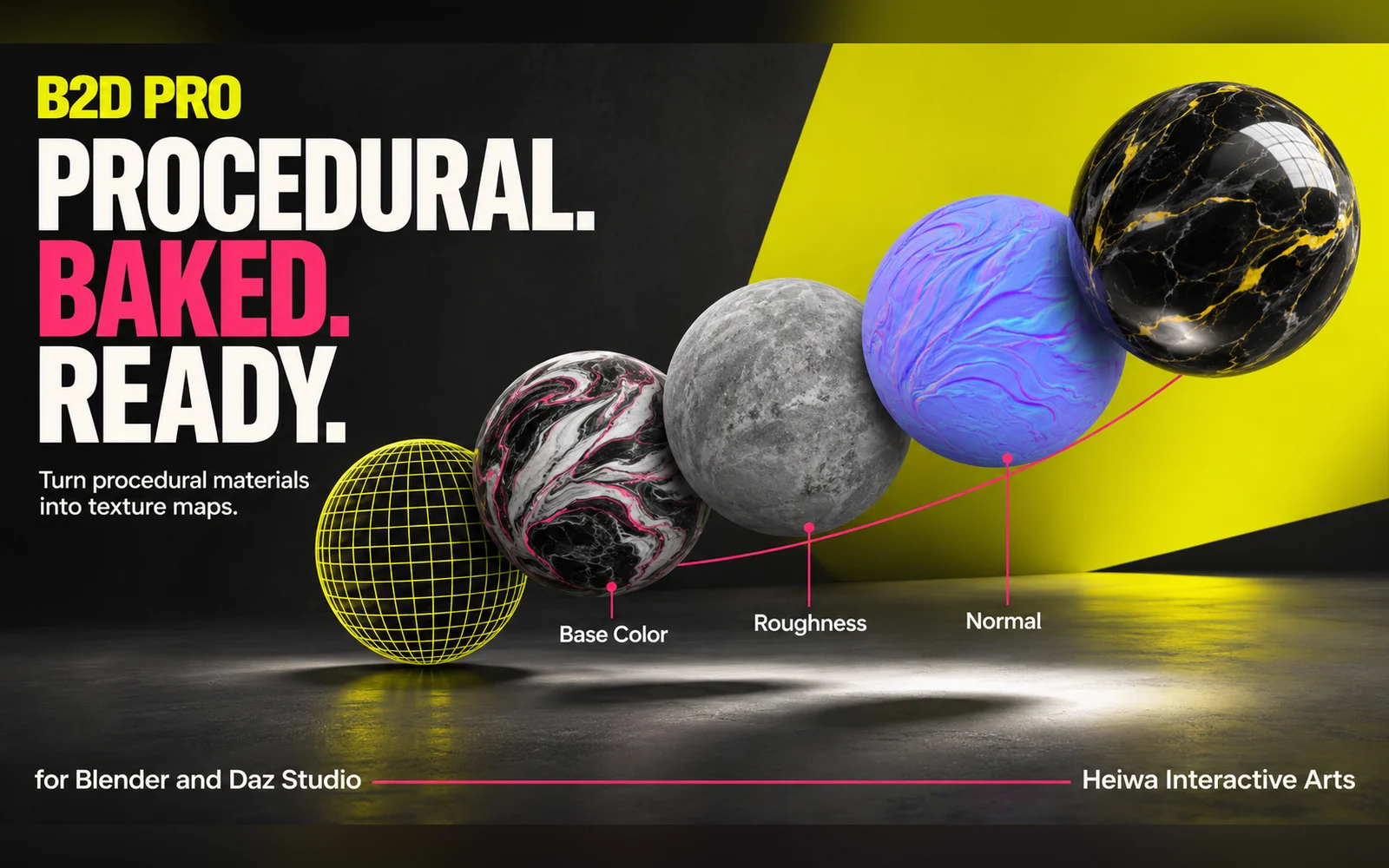
Procedural materials turned into texture maps: base color, roughness and normal (AI-generated illustration) 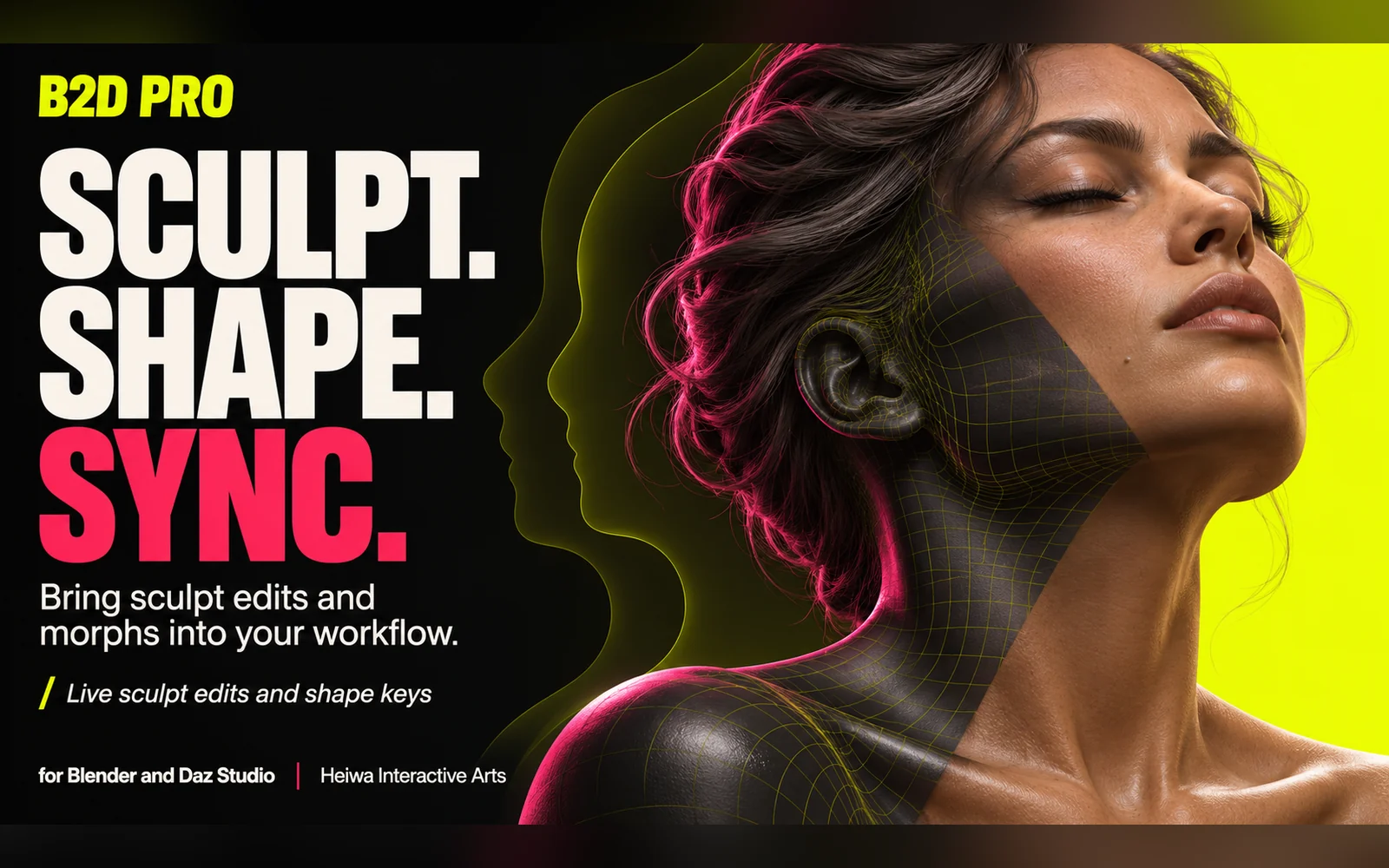
Bring sculpt edits and morphs into your workflow: live sculpt edits and shape keys (AI-generated illustration) 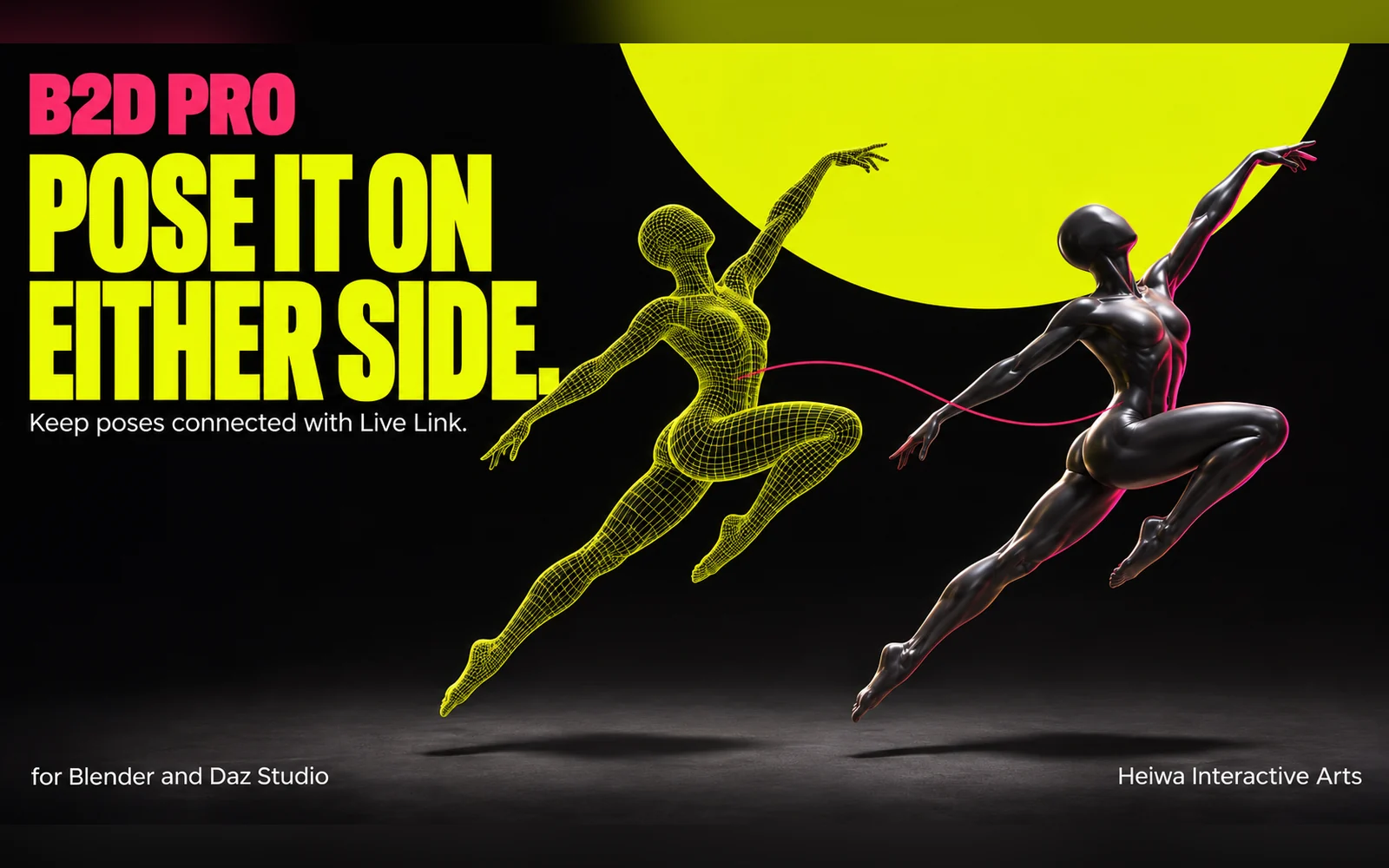
Pose it on either side: poses stay connected with Live Link (AI-generated illustration) 
Take the scene with you: meshes, materials, lights and cameras as native DSON export (AI-generated illustration) 
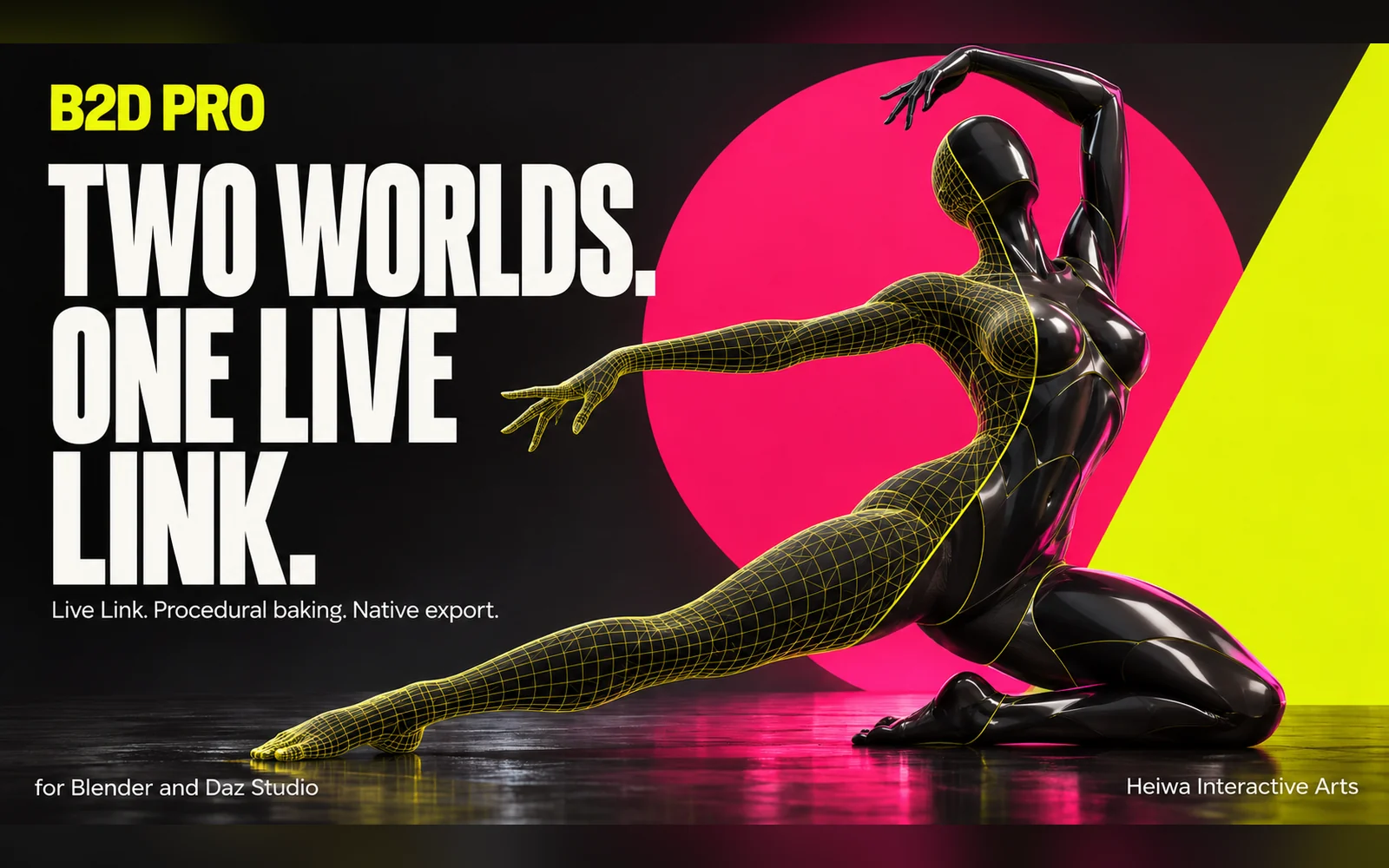
B2D Pro poster: two worlds, one Live Link - Live Link, baking, native export (AI-generated illustration) 
Materials in motion: procedural baking meets Live Link (AI-generated illustration) 
Create and connect: your bridge from Blender to DAZ Studio (AI-generated illustration)
Overview
Model, sculpt, shade and pose in Blender, click Send to DAZ, and your scene arrives in DAZ Studio as native DAZ files: meshes, rigged figures with their pose, hair, Iray materials, lights and cameras. Click it again and the same objects are updated in place, never duplicated.
Switch on Live Link and both programs stay in sync while you work. Move an object, sculpt, drag a shape key or pose the rig in Blender, and DAZ Studio shows it within a fraction of a second. It works the other way too: poses, morph dials and moves made in DAZ Studio, and objects you hide, duplicate or delete there, come back to Blender.
Materials that look right in Iray. Principled, mixed and node-built materials become Iray Uber surfaces. Textures recoloured with nodes are computed from their own pixels with Cycles’ formulas, no bake needed; procedural textures are baked with Cycles in a second, invisible Blender, so yours stays usable. Characters brought into Blender with Diffeomorphic get DAZ’s own PBR Skin back, and DAZ products use their original Iray materials from your library.
Your work stays safe. B2D Pro writes only into its own folder in your DAZ content library and never overwrites files it didn’t make. It adds no shortcuts to Blender or DAZ Studio, and Live Link stays on your PC: the only connections B2D Pro makes are for its license: when you activate, deactivate or click Check Now.
Your license, in short:
- One purchase is one license key for one PC at a time. Every Blender on that PC and B2D Pro’s DAZ Studio plugin (DAZ Studio 4 and 6) are covered by the one key.
- Your key (it starts with “B2D-”) arrives by e-mail right after the purchase and is always on your account page.
- Activate it once in Blender, online; after that B2D Pro works offline.
- Moving to another PC: click Deactivate on the old one and activate on the new one. If the old PC is gone, contact us and we free the license.
- The license never expires and includes every update of B2D Pro 1 (all versions 1.x).
- What you make with B2D Pro is yours, also for commercial use.
License: B2D Pro License Agreement
How close will it look? Geometry, UVs, shape keys, poses and textures match Blender exactly. The render will be close, not pixel-identical: Cycles and Iray are different renderers, and DAZ Studio has no hair strands, so hair becomes strand-tube geometry. Every approximation is listed in B2D Pro’s Material Conversion Report.
Blender is a trademark of the Blender Foundation. DAZ Studio is a trademark of Daz Productions, Inc. B2D Pro is an independent tool and is not made or endorsed by either.
Features
- Send to DAZ: the selection, a collection or the whole scene, as native DAZ files (DSON) in your content library; Update in DAZ changes the same objects in place
- Live Link, both ways: moves, vertex edits, sculpts, shape keys, poses, material values and image swaps reach DAZ Studio within a fraction of a second; poses, morph dials, moves, hide / show, duplicates and deletions come back to Blender
- Rigged figures: an armature becomes a DAZ figure with its bones, skin weights and pose, and clothing conforms to the body. Works with Diffeomorphic, Rigify, MHX, Auto-Rig Pro, Mixamo and other rigs
- Diffeomorphic characters: bones keep the original Genesis joint axes, so DAZ pose presets and posing tools act as on the original; DAZ expression presets drive the face in Blender
- Materials: Principled, mixed and procedural materials become Iray Uber surfaces; textures recoloured with nodes are computed without a bake, procedural ones are baked with Cycles (on the graphics card when there is one) in a background Blender
- DAZ skin and products: DAZ’s PBR Skin shader for characters, and the original Iray materials of DAZ products found in your library
- Hair: hair curves and particle hair become strand-tube meshes, parented to the emitter
- Curves, text, metaballs and instances arrive as Blender shows them; instances share one geometry file
- Lights and cameras: point, spot, area and sun lights become Iray photometric lights with matching brightness (measured against Cycles); cameras keep focal length, film size, clipping and depth of field
- World and exposure (optional): an HDRI, sky or any world setup as the Iray environment, and Blender’s exposure and view transform as Iray tone mapping
- Animation (optional): keyframes over Blender’s frame range, and every action of a figure as an animated DAZ pose preset with a thumbnail
- B2D Pro Tools in DAZ Studio: adjust gloss, roughness, translucency, light brightness, soft shadows and depth of field of what was sent, without sending again
- Blender stays usable: bakes run in a separate, invisible Blender, and only what changed is exported again
- Material Conversion Report: lists everything that had to be approximated
- One installer for every Blender 4.2+ and every DAZ Studio 4 and 6 on your PC, and Auto Setup finds DAZ Studio and your content library
Good to know
B2D Pro moves a lot between two very different programs. Most of it arrives exactly; some of it can only be approximated. Here’s what to expect:
- Materials look close, not identical. Cycles and Iray are different renderers: Iray has no sheen, no Blender-style subsurface or volume and no hair shader, so those are approximated. The Material Conversion Report lists every approximation.
- Some textures can’t be carried over faithfully. Textures that depend on the view (camera, window or reflection coordinates) can’t be baked correctly, and unlit or toon materials, back-face tricks and outline lines have no equivalent in DAZ Studio.
- Hair becomes geometry. DAZ Studio has no hair strands, so hair arrives as strand tubes, and per-strand randomness (like Random Color) isn’t transferred.
- Rigs: the bones arrive, the controls don’t. Bones, skin weights and the pose are sent, but Blender’s rig controls (IK, constraints, drivers) don’t exist in DAZ Studio. Posing in DAZ uses the plain bones, so some complex rigs pose poorly in DAZ Studio or can’t really be posed there. Pose those in Blender.
- Genesis round trips: a Genesis character sent back from Blender becomes a custom figure with its shape keys as morph dials. DAZ’s JCMs and FACS logic are not recreated.
- Animation: keys you make in DAZ Studio stay in DAZ, and actions that only key Rigify or Auto-Rig Pro control bones aren’t exported (they’re listed in the export log).
- Lights and cameras: complex light node setups aren’t transferred, panoramic and orthographic cameras arrive as perspective cameras, and the Filmic Log look can’t be reproduced in Iray.
- Windows only: B2D Pro doesn’t work on Mac at the moment.
- DAZ Studio and Blender versions: made and tested for today’s versions: DAZ Studio 4 and DAZ Studio 6 (6.25 and 6.26), and Blender 4.2 to 5.3. Both programs keep changing, and a future version may stop B2D Pro from working until it’s updated. We do our best to keep our tools up to date when we can, but we can’t promise an update for every new DAZ Studio or Blender version, and some products may stay at their current version. Your statutory rights are not affected.
Found a problem, or something that doesn't work as described? Please tell us: we read every report and do our best to fix it.
Compatibility
- Blender 4.2 or newer (tested with 5.1, 5.2 and 5.3)
- DAZ Studio 4.12 or newer (64-bit and 32-bit) and DAZ Studio 6.25 or newer, normal and Public Build
- Windows only: there is no Mac or Linux version (B2D Pro’s export core is 64-bit Windows)
- Rigs from Diffeomorphic, Rigify, MHX, Auto-Rig Pro and Mixamo are supported (see Good to know for what a rig can do in DAZ Studio)
System requirements
- Windows 10 or 11 (64-bit)
- Blender 4.2 or newer
- DAZ Studio 4.12 or newer, or DAZ Studio 6.25 or newer
- An internet connection once, to activate the license in Blender (and to move it to another PC); Blender’s Allow Online Access must be on for that
- For procedural bakes a graphics card helps (NVIDIA, AMD or Intel); without one, the processor bakes with all cores
Installation
- Before you install: start Blender, go to Edit > Preferences > System > Network and tick Allow Online Access. B2D Pro needs it once, to activate your license (Blender lets add-ons go online only when it’s on). Blender saves the setting by itself; close Blender again.
- Download
B2D Pro V1.0.0.zipfrom My Products and unzip it (right-click > Extract All…). The installer works from the unzipped folder, not from inside the zip. - Close Blender and DAZ Studio and double-click Install B2D Pro.bat. It finds every Blender 4.2+ and every DAZ Studio (4 and 6, 64-bit and 32-bit, Public Builds too) and installs B2D Pro into each. If Windows asks for permission, click Yes. If it shows “Windows protected your PC”, click More info, then Run anyway.
- Start Blender, press N in the 3D View and open the B2D Pro tab. Paste your license key (from the e-mail or your account page) into the box at the top and click Activate.
- Click the green Auto Setup: it finds DAZ Studio and your content library.
- Click Connect, then Send to DAZ.
To install by hand, or for more help, see “How To Install.txt” in the download. Updates install the same way, and your license stays active. To uninstall, first click Deactivate under Setup > License, then remove B2D Pro in Blender (Edit > Preferences > Add-ons) and delete b2dpro.dll or dsp_b2dpro.dll from DAZ Studio’s plugins folder.
Versions and changelog
1.0.0Latest
First release.
- Send to DAZ and Live Link in both directions
- Rigged figures, materials, hair, lights, cameras, world and animation
- B2D Pro Tools in DAZ Studio
- One installer for every Blender and DAZ Studio on the PC
Reviews
No reviews yet.
Bought B2D Pro? Sign in to write a review.