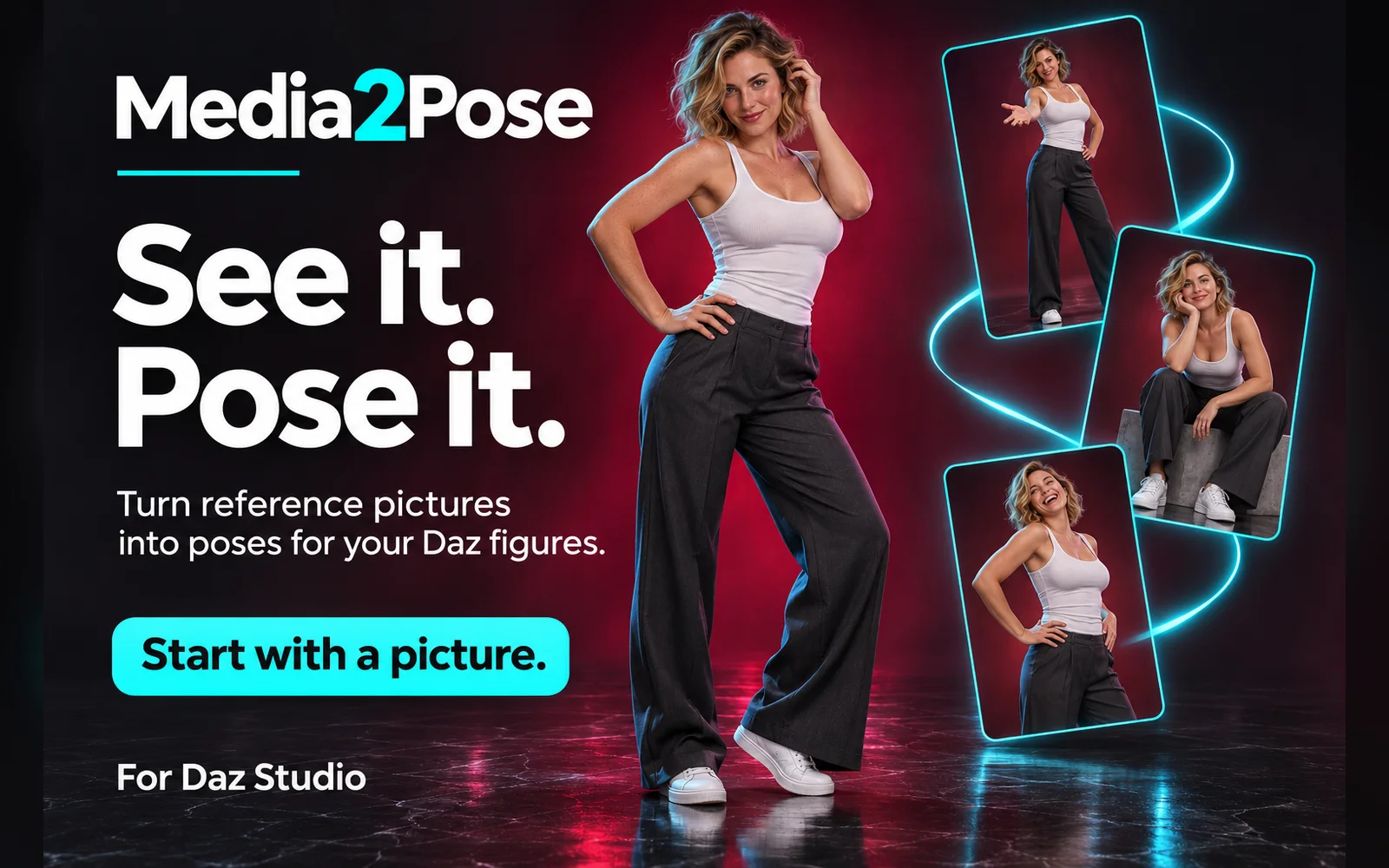
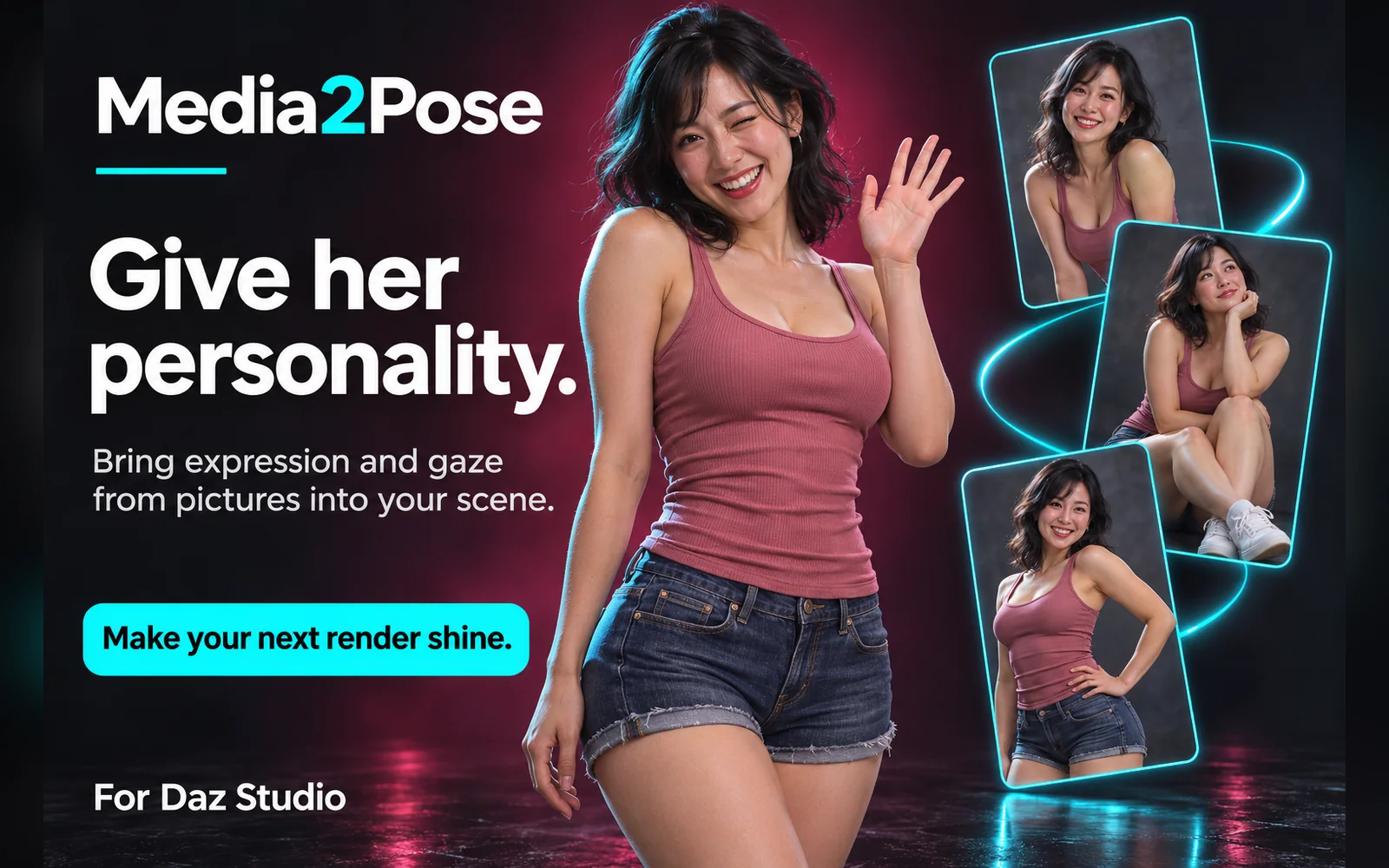
Bring expression and gaze from pictures into your scene (AI-generated illustration) 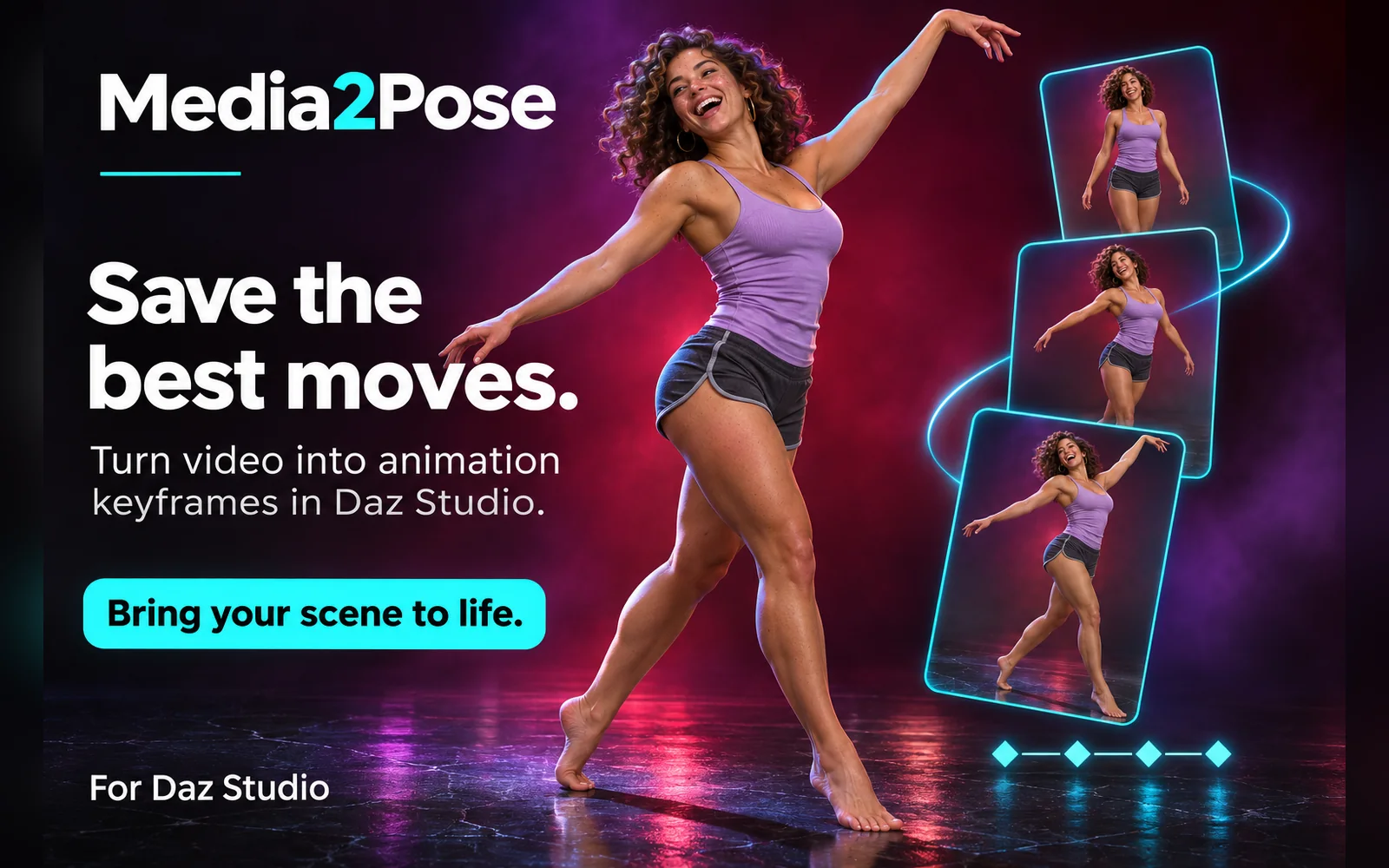
Turn video into animation keyframes in DAZ Studio (AI-generated illustration) 
Fit reference poses to your Genesis figure (AI-generated illustration) 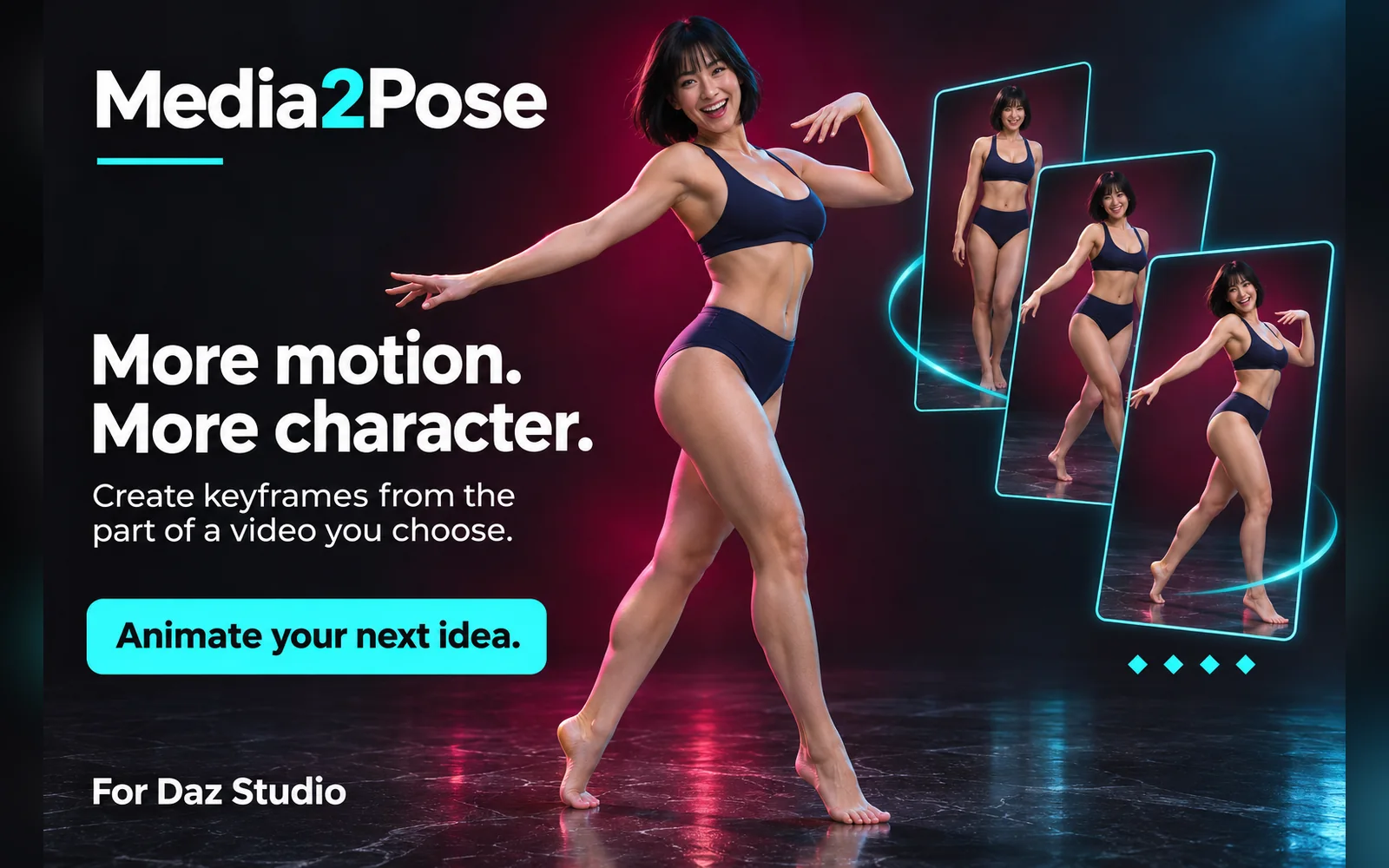
Create keyframes from the part of a video you choose (AI-generated illustration) 
Bring body pose, hands and expression into your scene (AI-generated illustration) 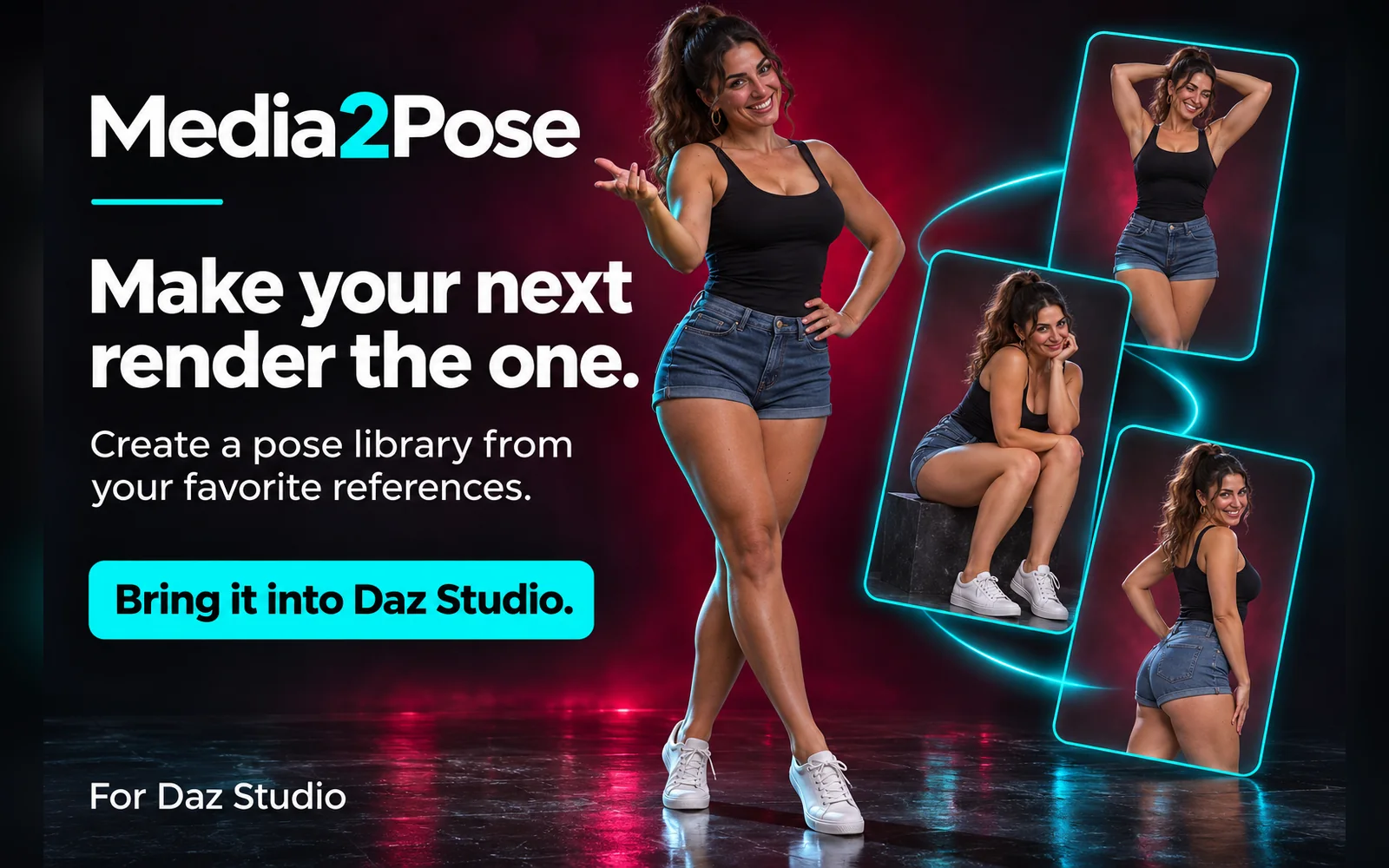
Create a pose library from your favorite references (AI-generated illustration)
Overview
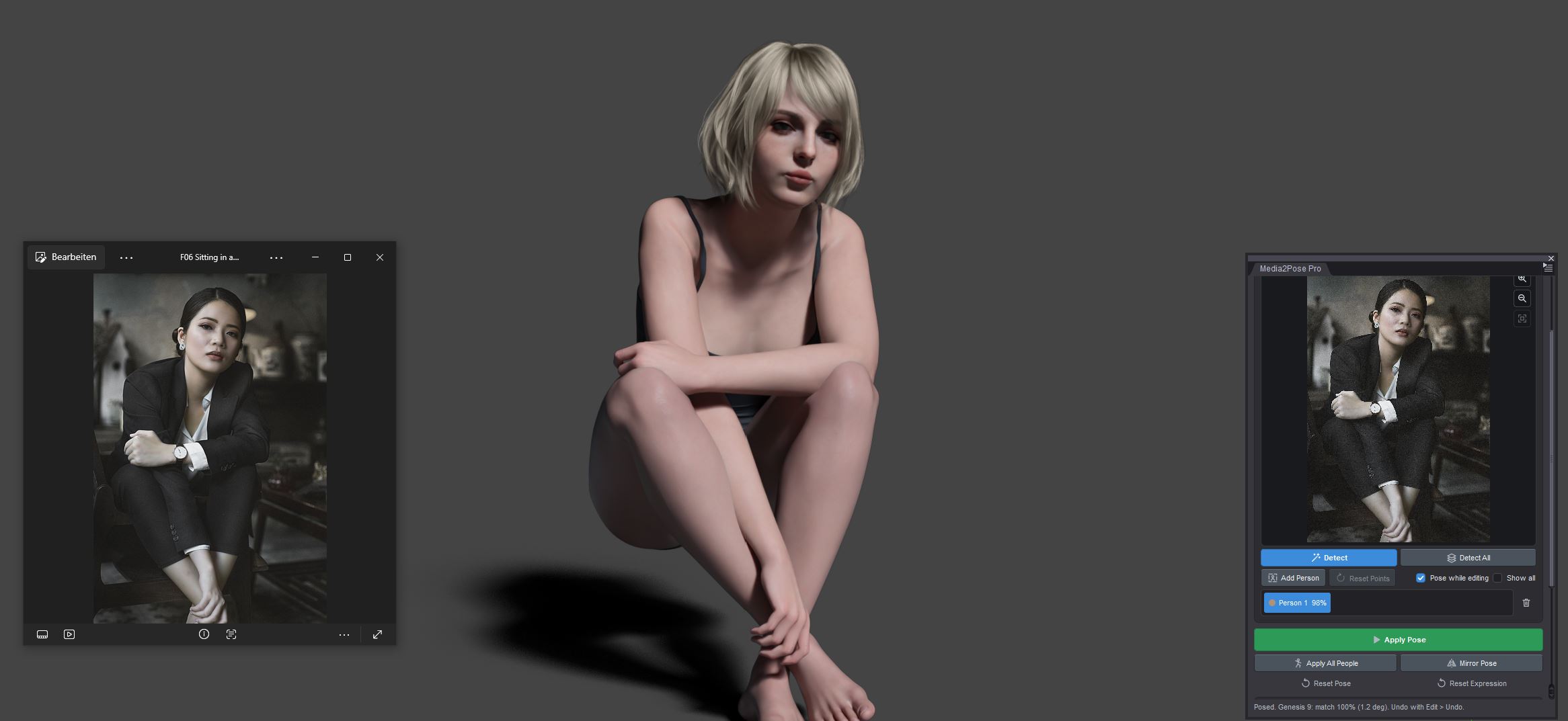
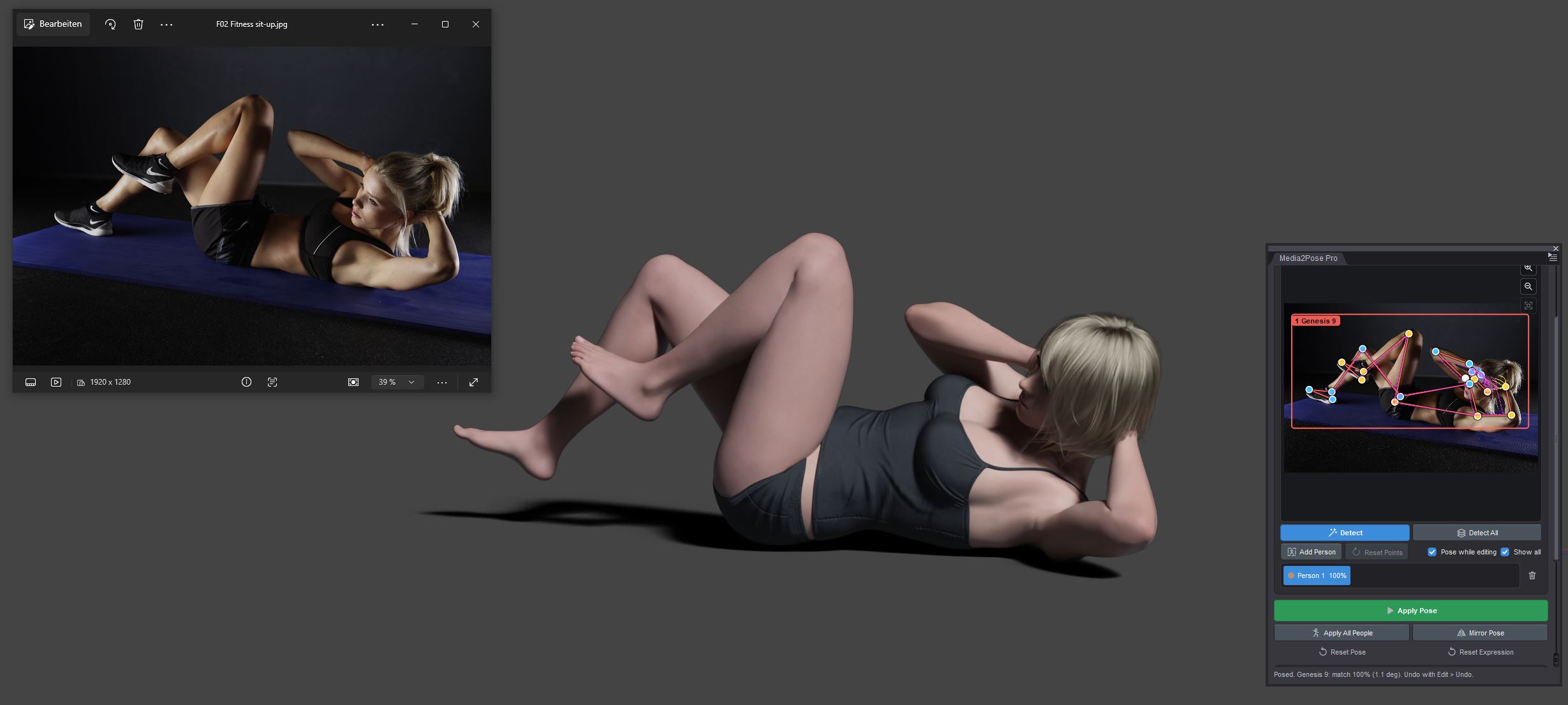
Drop a photo, a render, a drawing or a video onto the Media2Pose Pro pane and your Genesis figure takes the pose. Media2Pose Pro finds every person in the picture and measures the body, all ten fingers, the feet, the turn of the head, where the eyes look and the facial expression. Then it fits that pose to your figure’s own rig and joint limits, in one undo step.
Videos become animation. Pose from any frame of a video, or mark a start and an end and click Create Keyframes: Media2Pose Pro follows the person through the clip and keys your figure on the timeline. The motion is smoothed, the feet stay on the floor, and you watch the keyframes appear as they are made.
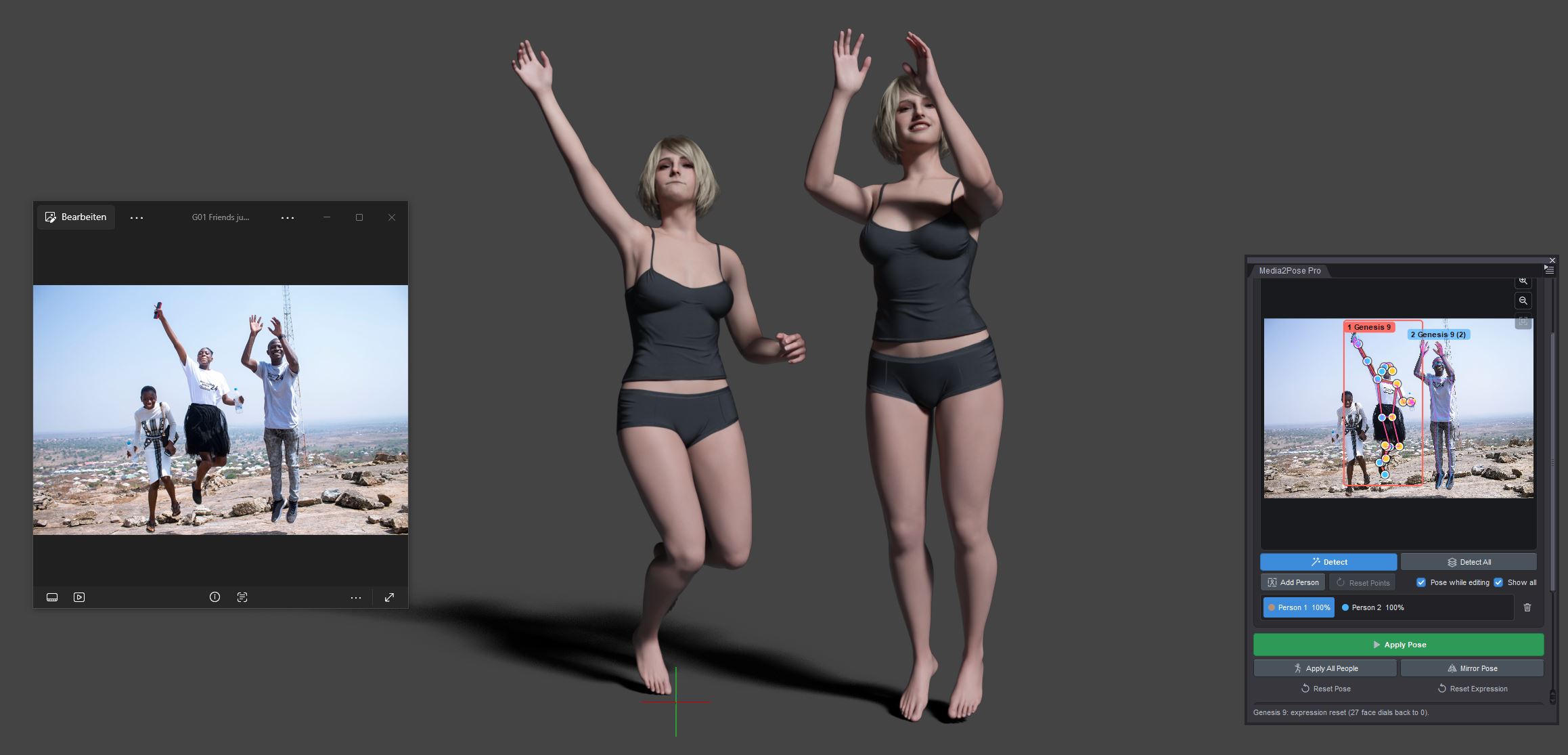
You stay in control. Drag a joint to where the person’s joint really is and the figure follows when you let go. Choose which parts are posed (the whole figure, only the hands, only the expression, one arm), pose several people at once with a figure each, mirror a pose, and let the viewport camera take the photo’s perspective. Every pose can be saved as a DAZ pose preset with a thumbnail, also for a whole list of pictures at once, and keyframes as an animated pose preset.
Your pictures stay on your PC. The AI engine (Google MediaPipe, Meta’s SAM 3D Body and Depth Anything V2) runs on your own computer, on the graphics card when there is a DirectX 12 one. Your pictures and videos are never uploaded. The engine is installed once from the pane with one click and needs no administrator rights.
Your license, in short:
- One purchase is one license code for one PC at a time. DAZ Studio 4 (64-bit and 32-bit) and DAZ Studio 6 on that PC share the one license.
- Your code (it starts with “M2P-”) arrives by e-mail right after the purchase and is always on your account page.
- Activate it once in the pane, online; after that Media2Pose Pro works offline.
- Moving to another PC: click Deactivate on the old one and activate on the new one. If the old PC is gone, contact us and we free the license.
- The license never expires and includes every update of Media2Pose Pro 1 (all versions 1.x).
- Poses, animations and renders you make are yours, also for commercial use. You need the rights to the pictures and videos you take poses from.
License: Media2Pose Pro License Agreement
DAZ Studio is a trademark of Daz Productions, Inc. Media2Pose Pro is an independent tool and is not made, sponsored or endorsed by Daz 3D, Meta, Google or Microsoft.
Features
- Pictures and videos in, poses out: JPEG, PNG, WebP, BMP, TIFF and GIF pictures, MP4, MOV, AVI, MKV, WebM, M4V, WMV and MPEG videos; drop them on the pane, add a whole folder or paste from the clipboard
- Body, hands and face: the body, all ten fingers, feet and toes, the head’s turn, where the eyes look (exact eye contact when the person looks into the camera) and the facial expression
- Fitted to your figure: Genesis 9, 8.1, 8, 3, 2 and 1, any character, shape or scale, within the figure’s own joint limits; only the pose is set, character shapes are never touched
- 3D body measurement: Meta’s SAM 3D Body sees arms in front of or behind the body, hidden limbs and people seen from behind, and finds the figure in drawings and paintings by its outline
- Correct by hand: drag a joint and the figure follows; Ctrl + drag turns a hand, forearm or the head, Ctrl + right-drag sets how far a joint is towards the camera; every edit is one undo step
- Several people: each person gets a figure (or Auto-Assign); Apply All People poses them all and places them relative to each other as in the picture
- Choose the parts: whole figure, expression only, head and face, hands, arms, legs, torso, or any mix on the body map
- Video to keyframes: follows one person from a start mark to an end mark, every frame or every n-th, in place or moving through the scene; smoothed, with the feet on the floor
- Camera follows: a “Media2Pose Pro Camera” takes the photo’s focal length, angle and framing, so a render frames like the photo
- Save: DAZ pose presets with a thumbnail, batch poses for every picture in the list, mirrored copies, hand and expression presets, animated pose presets; existing files are never overwritten
- Options: mirror, drop to floor, strength (blend with the current pose), three detection levels, and one click back to the defaults
- One installer for every DAZ Studio on the PC (4 and 6, 64-bit and 32-bit, Public Builds too); it also removes older plugin files
Good to know
Media2Pose Pro measures a 3D pose from a flat picture. That works remarkably well, but it isn’t magic: expect to touch up some poses by hand.
- Not every picture can be read well. In some pictures (for example blurry, dark or very busy ones, unusual angles, or people partly cut off) the AI engine can’t pose the figure or copy the facial expression correctly, and in some pictures the depth can’t be accurate.
- Depth is an estimate. A photo shows exactly where a limb is in the picture, but not exactly how far it points towards or away from the camera. Seen through the Media2Pose Pro Camera the pose matches; from the side a limb can be tilted differently. Hidden limbs are the least certain.
- Hands that are covered, very small or seen from the edge may not be found, and the thumb is the least exact finger.
- Your figure keeps its own shape, so a long-armed person’s hand on the floor may float or dip on a shorter-armed figure.
- Anime, manga and sketches with exaggerated proportions are found less reliably (draw a box around each character with Add Person).
- Faces: the tongue, a snarl’s nose wrinkle and raised cheeks aren’t measured, a deep frown comes out milder, and up-and-down gaze is only rough. With closed eyes or sunglasses the eyes look straight.
- Back views: feet and hands are hidden in the picture, so check them.
- Video: one person per keyframe run, and the camera is taken as still. Motion blur, cuts and people crossing each other can lose the person for some frames.
- Figures: Genesis 9, 8.1, 8, 3, 2 and 1 only, not Victoria 4 or custom rigs.
- Without a DirectX 12 graphics card, the 3D body measurement runs on the processor: about 4 seconds per person instead of 0.25.
- Windows only: Media2Pose Pro doesn’t work on Mac at the moment.
- DAZ Studio versions: made and tested for today’s DAZ Studio: DAZ Studio 4 and DAZ Studio 6 (6.25 and 6.26). DAZ Studio keeps changing, and a future version may stop Media2Pose Pro from working until it’s updated. We do our best to keep our tools up to date when we can, but we can’t promise an update for every new DAZ Studio version, and some products may stay at their current version. Your statutory rights are not affected.
Found a problem, or something that doesn't work as described? Please tell us: we read every report and do our best to fix it.
Compatibility
- DAZ Studio 4.x (64-bit and 32-bit) and DAZ Studio 6.25 or newer, normal and Public Build
- Figures: Genesis 9, 8.1, 8, 3, 2 and 1 (not Victoria 4 or custom rigs); the facial expression works on Genesis 9, 8.1, 8, 3 and 2
- Windows only: there is no Mac version
System requirements
- Windows 10 or 11 (64-bit)
- DAZ Studio 4.x (64-bit or 32-bit) or DAZ Studio 6.25 or newer
- About 2.5 GB of free disk space for the AI engine (installed once from the pane)
- An internet connection once, to activate the license and install the AI engine (and to move the license to another PC)
- A DirectX 12 graphics card makes the 3D body measurement fast (about 0.25 s a person); without one it runs on the processor (about 4 s a person, same result)
Installation
- Download
Media2Pose Pro V1.0.0.zipfrom My Products and unzip it (right-click > Extract All…). The installer works from the unzipped folder, not from inside the zip. - Close DAZ Studio and double-click Install Media2Pose Pro.bat. It finds every DAZ Studio on your PC (4 and 6, 64-bit and 32-bit, Public Builds too), copies the right file into each one’s plugins folder and removes older plugin files there. If Windows asks for permission, click Yes. If it shows “Windows protected your PC”, click More info, then Run anyway.
- Start DAZ Studio and open Window > Panes (Tabs) > Media2Pose Pro.
- Paste your license code (from the e-mail or your account page) into the box at the top and click Activate.
- Open AI Engine at the bottom of the pane and click Install AI Engine (once, about 2.3 GB).
- Select a Genesis figure in the Scene pane and drop a picture onto the pane.
To install by hand, or for more help, see “How To Install.txt” in the download. Updates install the same way, and your license stays active. To uninstall, first click Deactivate at the end of the pane, then delete Media2PosePro.dll (DAZ Studio 4) or dsp_media2posepro.dll (DAZ Studio 6) from DAZ Studio’s plugins folder.
Versions and changelog
1.0.0Latest
First release of Media2Pose Pro.
- Poses from pictures and videos: body, fingers, feet, head, gaze and facial expression
- Video to keyframes, smoothed, with the feet on the floor
- 3D body measurement with Meta’s SAM 3D Body
- Pose presets, batch poses and animated pose presets
- One installer for every DAZ Studio on the PC
Reviews
No reviews yet.
Bought Media2Pose Pro? Sign in to write a review.